
Troubleshooting Custom Domain DNS & SSL Issues
Diagnose and resolve common DNS propagation delays, Cloudflare proxy conflicts, CAA record blocks, and SSL pending states.
- Diagnose why custom domains remain in 'Pending' or 'Error' status.
- Resolve Cloudflare Proxy (Orange Cloud) conflicts by toggling records to 'DNS Only' (Gray Cloud).
- Remove restrictive CAA records that block Let's Encrypt and Google Trust Services certificates.
- Check live global DNS propagation using public lookup tools.
Before configuring this feature, confirm that your store meets the following requirements:
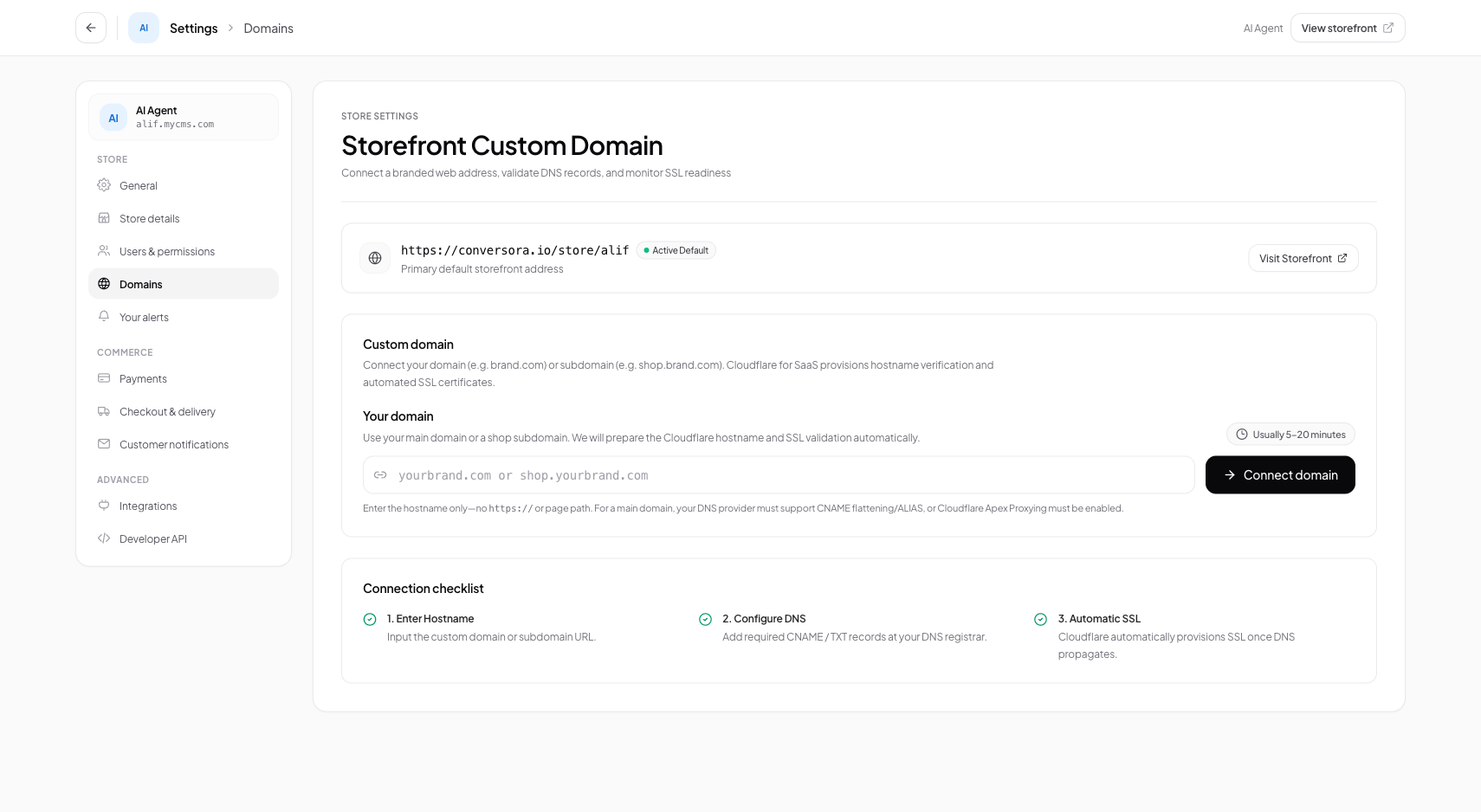
Interface view for this workflow.
1. Resolving Common DNS & SSL Conflicts
Review these three common configuration mistakes to resolve domain issues fast:
- 1Cloudflare Proxy Conflict: If your domain's DNS is managed inside your personal Cloudflare account, setting the CNAME to 'Proxied' (Orange Cloud) causes an edge routing conflict. Set it to 'DNS Only' (Gray Cloud).
- 2Existing Conflicting A Records: If you have old A records pointing to previous web hosts (like Shopify, WordPress, or GoDaddy Hosting), delete those old A records so the CNAME can resolve cleanly.
- 3CAA Record Restrictions: If your domain has existing CAA records that restrict certificate issuance to DigiCert or Sectigo, add records permitting 'letsencrypt.org' and 'pki.goog'.
Check Public DNS with Whatsmydns.net
Visit whatsmydns.net, enter your domain, select 'CNAME', and check if global servers return customers.conversora.io.
Delete Legacy A Records
In your registrar console, remove any obsolete A records associated with the same hostname.
Retry Verification
In Conversora, click 'Check Status'. Once confirmed, the blue 'Active' badge appears.
Practical Business Scenarios
How leading merchants implement this functionality in daily operations:
Troubleshooting & Common Issues
Diagnose and resolve frequent failure points quickly:
Frequently Asked Questions
Can I connect a domain registered with any registrar?
Yes. Any registrar that supports standard CNAME records (GoDaddy, Namecheap, Hostinger, Cloudflare, Google Domains) is fully compatible.