
Add store information and reply rules
Add FAQs and policies the assistant may use when drafting or sending customer replies.
- Add accurate answers for product, payment, delivery, and return questions.
- Keep information current when your products or policies change.
- Test replies to check whether the assistant uses the information as intended.
- Route questions to staff when the answer is missing or needs judgment.
Before configuring this feature, confirm that your store meets the following requirements:
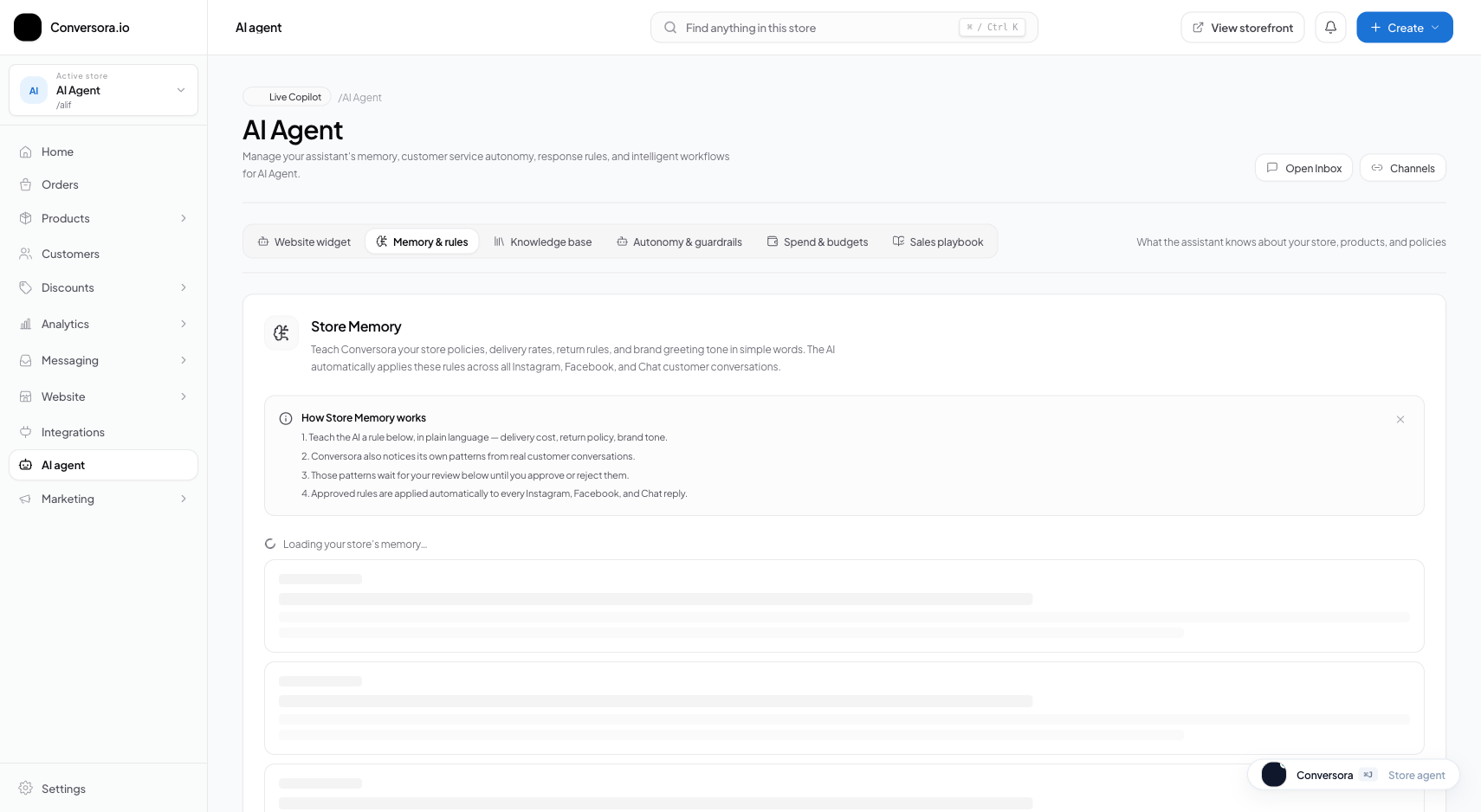
Interface view for this workflow.
1. Add frequently asked questions
Write short answers to common customer questions, such as delivery areas, payment methods, or return terms. Use the exact policies your store follows. Test different ways a customer might ask and update the answer if the assistant misses it.
Navigate to Knowledge Base
Open the store information area from AI assistant settings.
Click 'Add FAQ'
Click the '+ Add FAQ' button in the upper-right corner of the FAQ panel.
Enter Question & Answer
Add one clear question and a concise, accurate answer.
2. Add a policy document
If your store information area supports document uploads, add a current copy of your policy or sizing guide. Check the upload status shown in the workspace and test a reply before relying on the document.
Open Document Uploader
Switch to the 'Documents' tab inside the Knowledge Base panel.
Upload File
Choose a supported file and check the size and format limits shown in the uploader.
Verify Processing Status
Wait for the uploader to show that processing has finished. If it reports an error, use the message shown to correct the file.
Practical Business Scenarios
How leading merchants implement this functionality in daily operations:
Troubleshooting & Common Issues
Diagnose and resolve frequent failure points quickly:
Frequently Asked Questions
How long does it take for new knowledge to take effect in AI chats?
Processing time depends on the file and current service state. Check the status shown in the workspace, then test a reply to confirm the information is available.