
Managing Conversations: Unified Inbox, Customer Context & Handoff
Review conversations, check available customer details, and use the staff handoff controls shown in your inbox.
- Review conversations from channels connected to your store.
- Check the customer details and order history available for the selected conversation.
- Review the conversation status and follow the current staff-reply settings.
- Use the available inbox filters to find conversations that need attention.
Before configuring this feature, confirm that your store meets the following requirements:
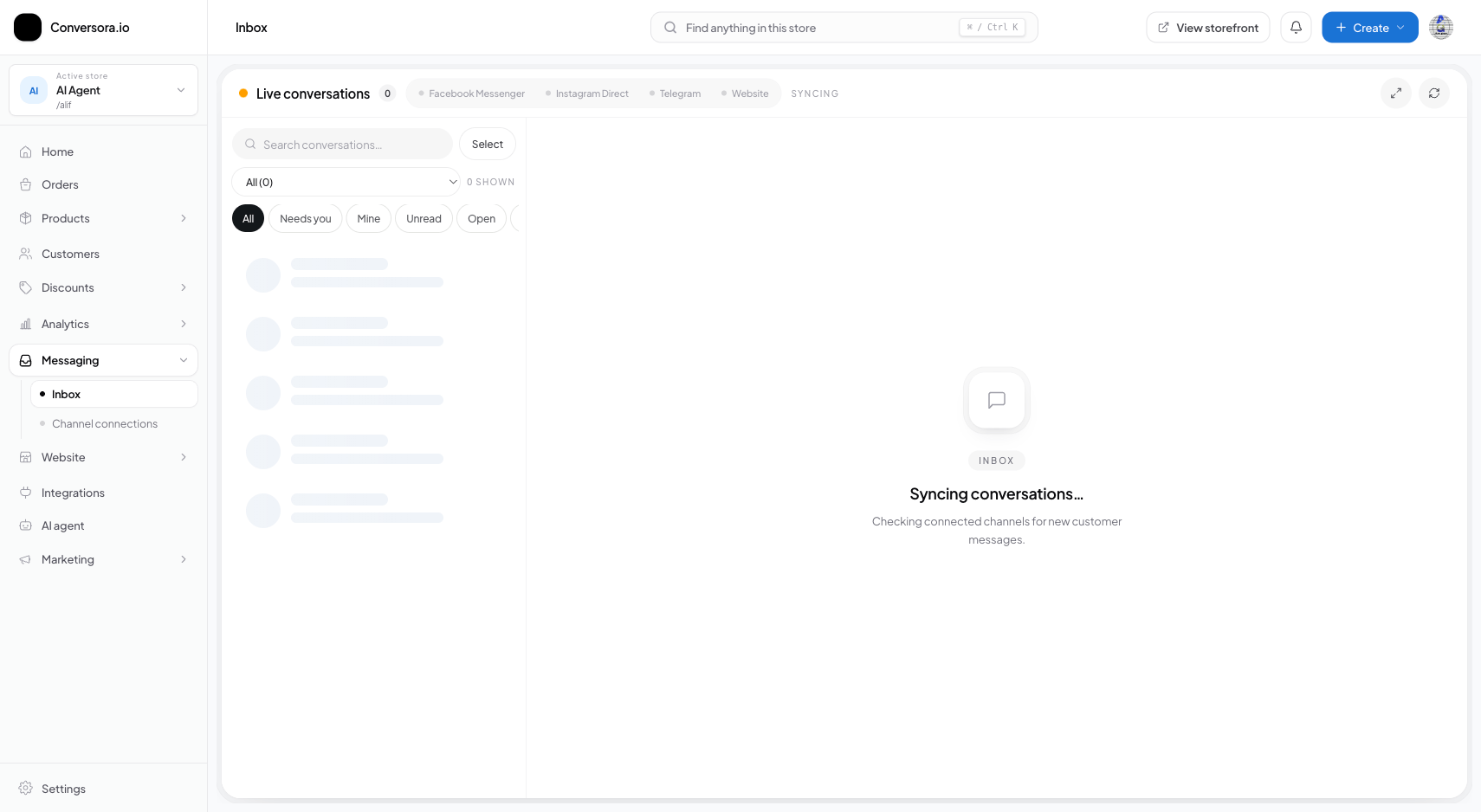
Interface view for this workflow.
2. Reply as a team member
Taking over a conversation requires no complex button clicks or mode switches. Simply type your message in the composer and press Enter.
The moment you send a manual message, the AI detects human presence and switches that specific thread to 'Human Mode' for 30 minutes. You can also manually pause or resume the AI at any time using the quick toggle in the conversation header.
Type Message in Composer
Type your reply in the text area at the bottom of the conversation view.
Send Message
Press Enter or click the blue Send button. The message is transmitted to the customer's Instagram or Messenger.
Observe AI Paused State
A banner appears indicating 'AI Paused: Human Agent Active'. Aura will not interfere while you assist the customer.
After replying, use the available status controls to mark the conversation resolved or allow assistant replies again.
Practical Business Scenarios
How leading merchants implement this functionality in daily operations:
Troubleshooting & Common Issues
Diagnose and resolve frequent failure points quickly:
Frequently Asked Questions
Can I customize the human takeover pause duration?
Yes. In AI assistant > Behavior Settings, you can configure the takeover timeout from 15 minutes up to 24 hours.