
AI Social Post Scheduler: Auto-Generate & Publish Content
Draft, schedule, and auto-publish marketing posts, product highlights, and carousel announcements across Instagram and Facebook with AI copy generation.
- Schedule social posts, image drops, and promotional announcements days or weeks in advance.
- Use caption assistance as a draft and check all product and offer details before publishing.
- Preview exact visual layout for Instagram feeds and Facebook posts before scheduling.
- Check each scheduled post status after the planned time; provider delivery can fail.
Before configuring this feature, confirm that your store meets the following requirements:
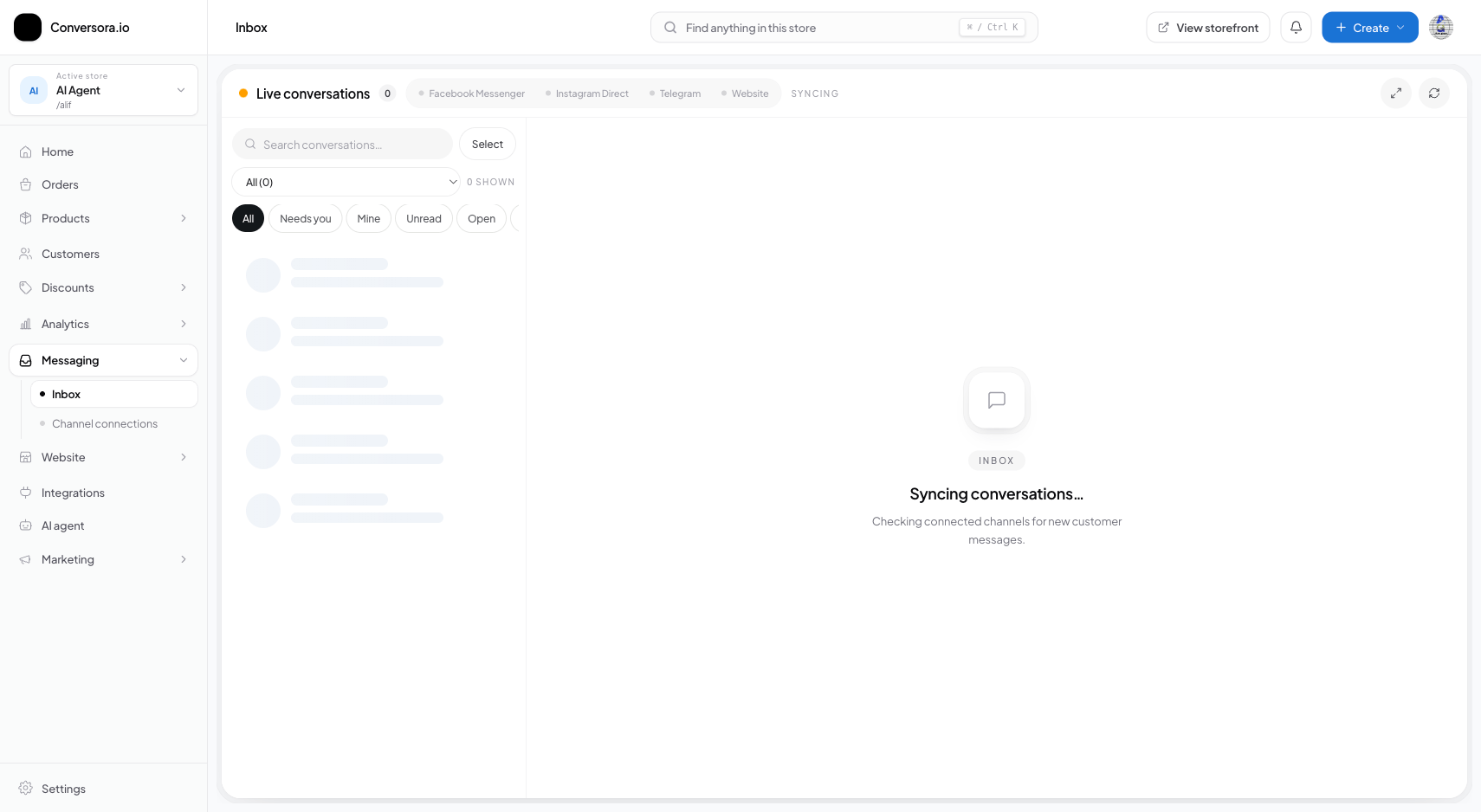
Interface view for this workflow.
1. Creating & Scheduling a New Post
Creating a post is simple and intuitive. You can upload new photography or select existing images directly from your store's Media Library.
When choosing a publication time, consider when your audience is most active on social media (typically 7:00 PM to 10:00 PM in local regional time).
Open Social Studio
From the admin menu, select 'Messaging' and click on 'Social Posts'.
Click 'New Post'
Click the blue 'Create Post' button to open the post composer modal.
Upload Media & Write Caption
Select your image and enter your caption, or click 'Generate with AI' to draft copy based on a catalog product.
Pick Date & Schedule
Select 'Schedule for Later', choose your desired date and time, and click 'Schedule Post'.
Practical Business Scenarios
How leading merchants implement this functionality in daily operations:
Troubleshooting & Common Issues
Diagnose and resolve frequent failure points quickly:
Frequently Asked Questions
Can I publish immediately instead of scheduling for later?
Yes. In the post composer, select 'Publish Now' to dispatch the post to Instagram and Facebook within seconds.