
AI assistant replies and settings
Set reply rules, choose whether staff review replies, and test the assistant using your store information.
- Choose staff review or automatic replies for connected channels.
- Set the store information and rules the assistant can use.
- Review the permissions available for product and order actions.
- Test replies and let your team take over when a conversation needs attention.
Before configuring this feature, confirm that your store meets the following requirements:
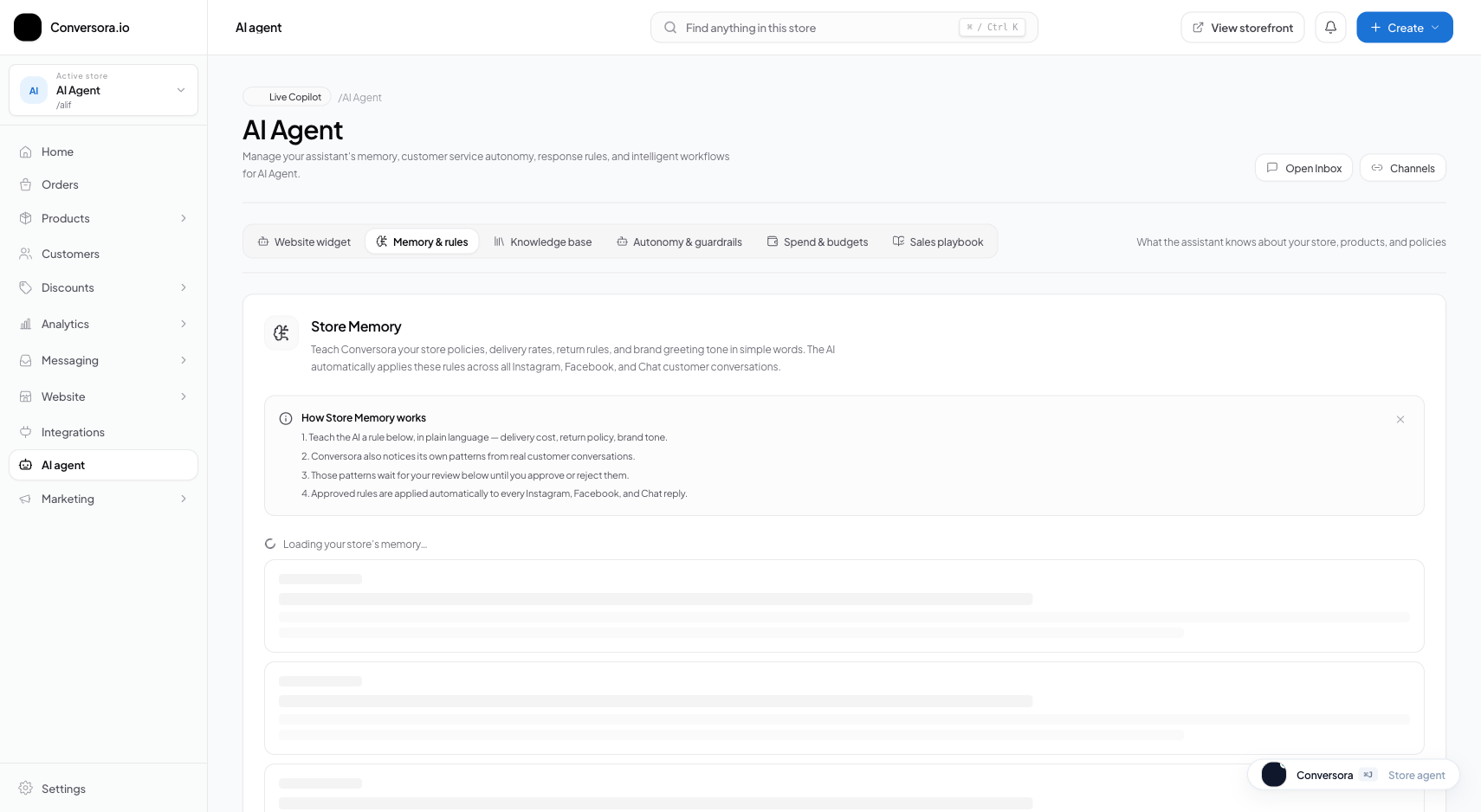
Interface view for this workflow.
1. Staff review and automatic replies
With staff review, your team checks a drafted reply before sending it. With automatic replies enabled, the assistant can send replies within the rules and permissions set for your store.
Test replies before turning on automatic sending. Keep your team available to handle requests that need judgment or information the assistant does not have.
Open assistant settings
Open AI assistant settings from the admin navigation.
Choose a reply mode
Choose staff review or automatic replies, then check the permissions and reply rules.
Test a reply
Use the reply test to check how the assistant handles a common customer question.
2. Product and order permissions
The assistant may be allowed to look up product or order information or create an order, depending on your settings and connected channel. Review the permissions shown in your store before enabling an action. Do not rely on the assistant to confirm payment, stock, or delivery unless the connected store data supports that answer.
Review order permissions
Check whether the assistant may read order information or create orders.
Check connected checkout options
Confirm the payment methods and checkout links available to your store before including them in customer replies.
Do not promise a payment method, discount, delivery time, or stock level unless the store information confirms it.
Practical Business Scenarios
How leading merchants implement this functionality in daily operations:
Troubleshooting & Common Issues
Diagnose and resolve frequent failure points quickly:
Frequently Asked Questions
Can the assistant make a mistake?
Yes. AI replies can be incorrect or incomplete. Keep store details current, use the available reply rules and permissions, review conversations, and route uncertain questions to staff.
What happens if a customer sends a photo or voice note?
Aura currently processes text and image inputs. If a customer sends an unsupported media type (such as an audio voice note), the system automatically flags the conversation for human staff review in your 'Needs You' queue.