
Assistant information and conversation context
Learn what information the assistant can use in a conversation and how to check that it is accurate.
- Understand what store or conversation information may be available to the assistant.
- Review information available in the assistant settings and correct anything that is out of date.
- Check the available conversation and information settings for your store.
- Follow your privacy process when a customer asks about their information.
Before configuring this feature, confirm that your store meets the following requirements:
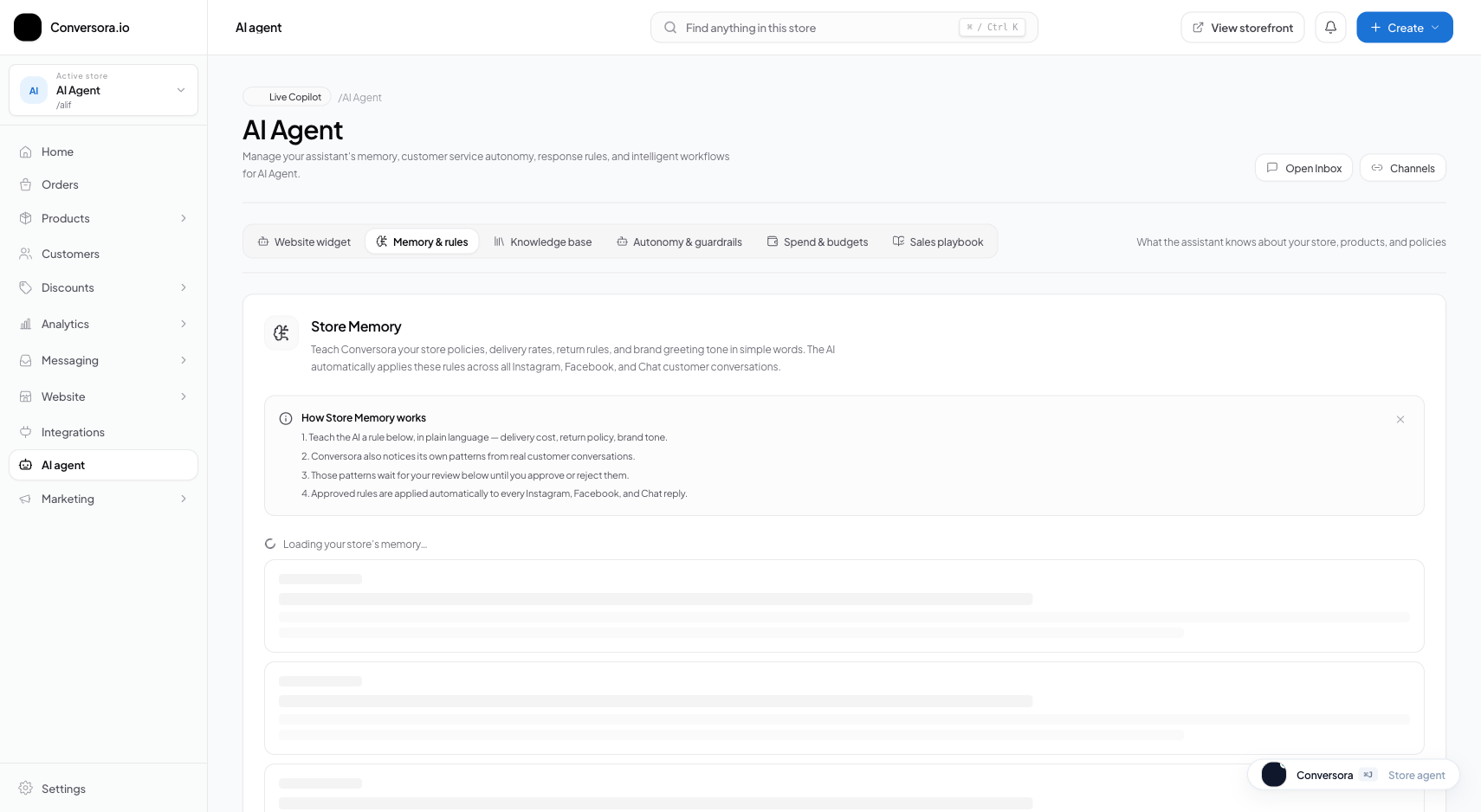
Interface view for this workflow.
1. Reviewing & Approving Fact Candidates
AI-generated summaries or saved details can be incomplete or wrong. Check the information in the current settings before relying on it, and avoid saving sensitive personal details unless your store has a clear reason and an appropriate process.
Open Memory Review Queue
From the admin console, navigate to AI assistant and select 'Memory & Learning'.
Inspect Pending Candidates
Review the list of proposed facts, including the customer name, source conversation snippet, and proposed memory.
Approve or Discard
Click 'Approve' to index the memory, or 'Discard' to permanently delete the candidate.
You can enable 'Auto-Approve Low Risk Facts' (such as standard clothing sizes) in Cognitive Settings to save time on routine approvals.
2. Customer Privacy & Memory Deletion
If a customer asks to access or delete their information, follow your store's privacy process and check which systems hold the relevant data. Do not confirm a request is complete until the required records and connected services have been checked.
Locate Customer Record
Search for the customer in the Customers list or directly inside the inbox.
Click 'Clear AI Memory'
In the customer profile card, select 'Clear AI Memory' and confirm.
Practical Business Scenarios
How leading merchants implement this functionality in daily operations:
Troubleshooting & Common Issues
Diagnose and resolve frequent failure points quickly:
Frequently Asked Questions
Is customer memory shared across different merchant stores?
Information should only be available to the active store when permitted by the current access rules. If you see information from another store, stop using the feature and report the issue.