Payments, Discounts & CheckoutPopularBeginner

Discounts, Promo Coupons & Digital Gift Cards

Create high-converting promotional coupon codes (percentage or fixed amount), set minimum order spends, and issue customer gift cards.

5 min readUpdated 2026-09-18
In This Guide
  • Create percentage discounts (e.g. 15% off) or fixed monetary vouchers (e.g. $10 off).
  • Set rules: minimum order spend, maximum total redemptions, and automatic expiration dates.
  • Empower Aura Bot to offer authorized promotional coupons in chat conversations.
  • Issue digital gift cards with unique redemption codes and real-time balance tracking.

What This Functionality Does

The Discounts and Gift Cards workspace provides promotional marketing tools to attract first-time buyers, boost average order value (AOV), and reward loyal customers.

Promotional campaigns are essential for retail growth: - Percentage & Fixed Coupons: Create coupon codes like WELCOME10 or FLASH500 with custom eligibility criteria. - Usage Limits & Spend Thresholds: Ensure discounts are only applied when orders meet profitable criteria (e.g. 'Valid only on orders over 1,500 BDT'). - AI Chat Integration: Aura Bot can automatically verify and apply valid coupon codes when chatting with customers in Instagram DMs. - Digital Gift Cards: Issue store credit vouchers that customers can redeem across multiple shopping trips until their balance reaches zero.

How It Works Behind the Scenes

Discount validation executes at the checkout data tier:

  1. 1Code Verification: When a customer applies a promo code, Conversora queries the Discount table matching code and storeId.
  2. 2Eligibility Computation: The system validates that the coupon is currently active, current time falls within validFrom and validUntil, order subtotal exceeds minSpend, and totalRedemptions < maxUsageLimit.
  3. 3Order Balance Adjustment: The calculated discount amount is subtracted from the subtotal. When the order is completed, the coupon's redemption counter increments atomically in the database.
Prerequisites

Before configuring this feature, confirm that your store meets the following requirements:
Active Products:Products available in your store catalog.

1. Creating a Promotional Coupon Code

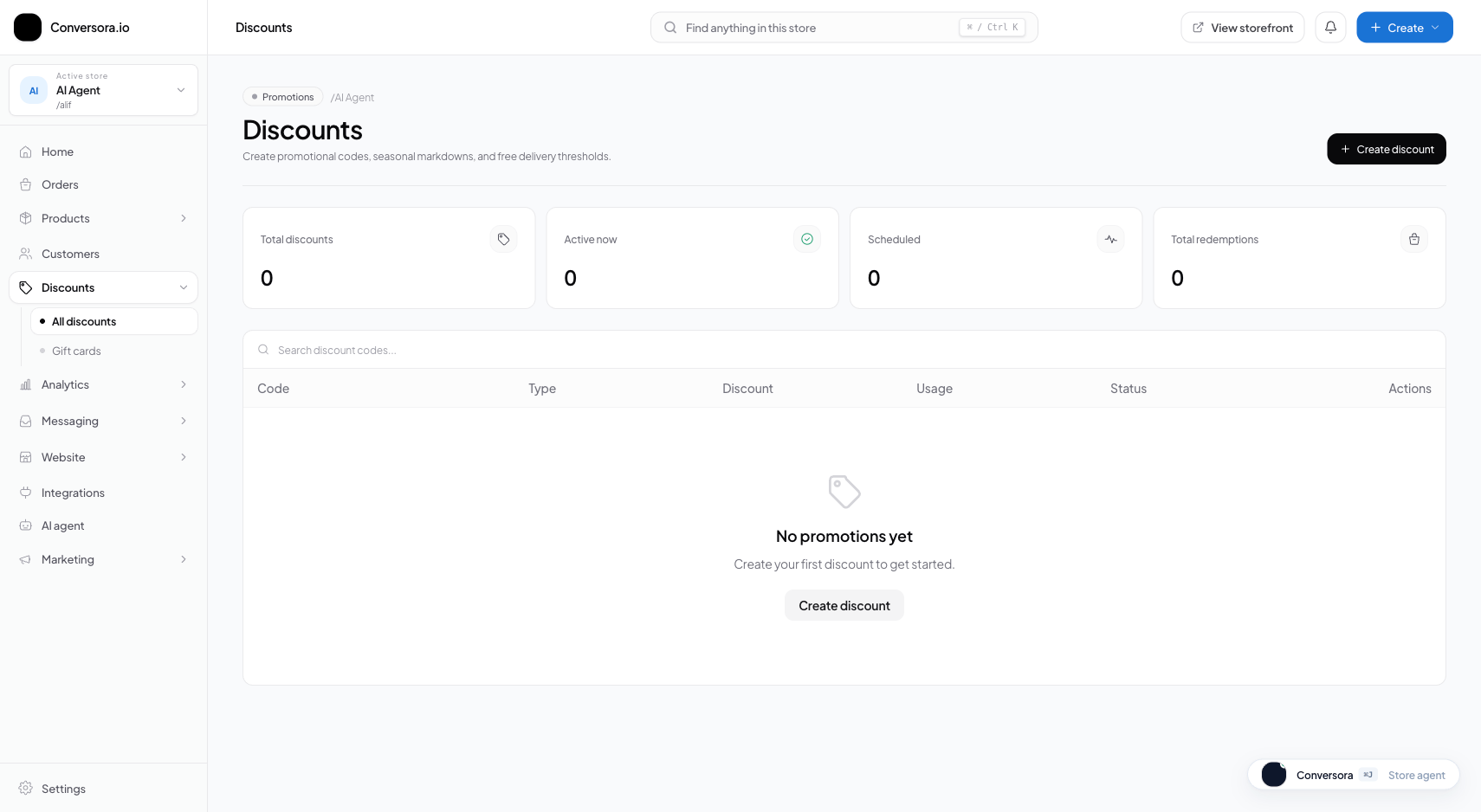
Creating a coupon takes less than a minute. Choose an easy-to-remember uppercase code and specify the discount value.

You can restrict coupons to specific categories (e.g. 'Footwear only') or apply them across the entire store.

1

Navigate to Discounts

From the admin menu, select 'Discounts' and click '+ Create Coupon'.

Path:Admin Sidebar → Discounts → Create Coupon
2

Specify Code & Value

Enter the code (e.g. SAVE15), choose discount type (Percentage or Fixed Amount), and enter the value (e.g. 15).

Path:Coupon Form → Code & Value
3

Set Restrictions & Expiration

Optionally specify a minimum purchase spend and expiration date, then click 'Save Coupon'.

Path:Coupon Form → Usage Limits → Save

Practical Business Scenarios

How leading merchants implement this functionality in daily operations:

Influencer Campaign Tracking
Situation: A brand partners with an Instagram creator and wants to give their followers a 10% discount while tracking sales attributed to the influencer.
Best practice: Create a unique coupon code (e.g. CREATOR10) with 10% off. In the Analytics dashboard, filter orders by coupon code to evaluate campaign ROI.

Troubleshooting & Common Issues

Diagnose and resolve frequent failure points quickly:

Problem: Customer receives error: 'Coupon has expired or reached usage limit'
Why this occurs: The coupon's expiration date has passed, or the maximum number of allowable redemptions has been exhausted.
Resolution: Open the coupon in the Discounts workspace, extend the expiration date or increase the maximum redemption count, and click Save.

Frequently Asked Questions

Can customers use multiple coupon codes on a single order?

By default, Conversora allows one promo code per order to protect merchant profit margins.