
Connecting Instagram DMs & Facebook Messenger
Connect your official Instagram Business account and Facebook Page using Facebook Login for Business to enable automated messaging and unified inbox management.
- Connect professional Instagram accounts and Facebook Pages through official Meta OAuth.
- Understand required Meta permissions: pages_messaging and instagram_manage_messages.
- Diagnose and resolve common connection errors such as missing Page admin permissions or personal account restrictions.
- Verify real-time webhook delivery with a live test direct message.
Before configuring this feature, confirm that your store meets the following requirements:
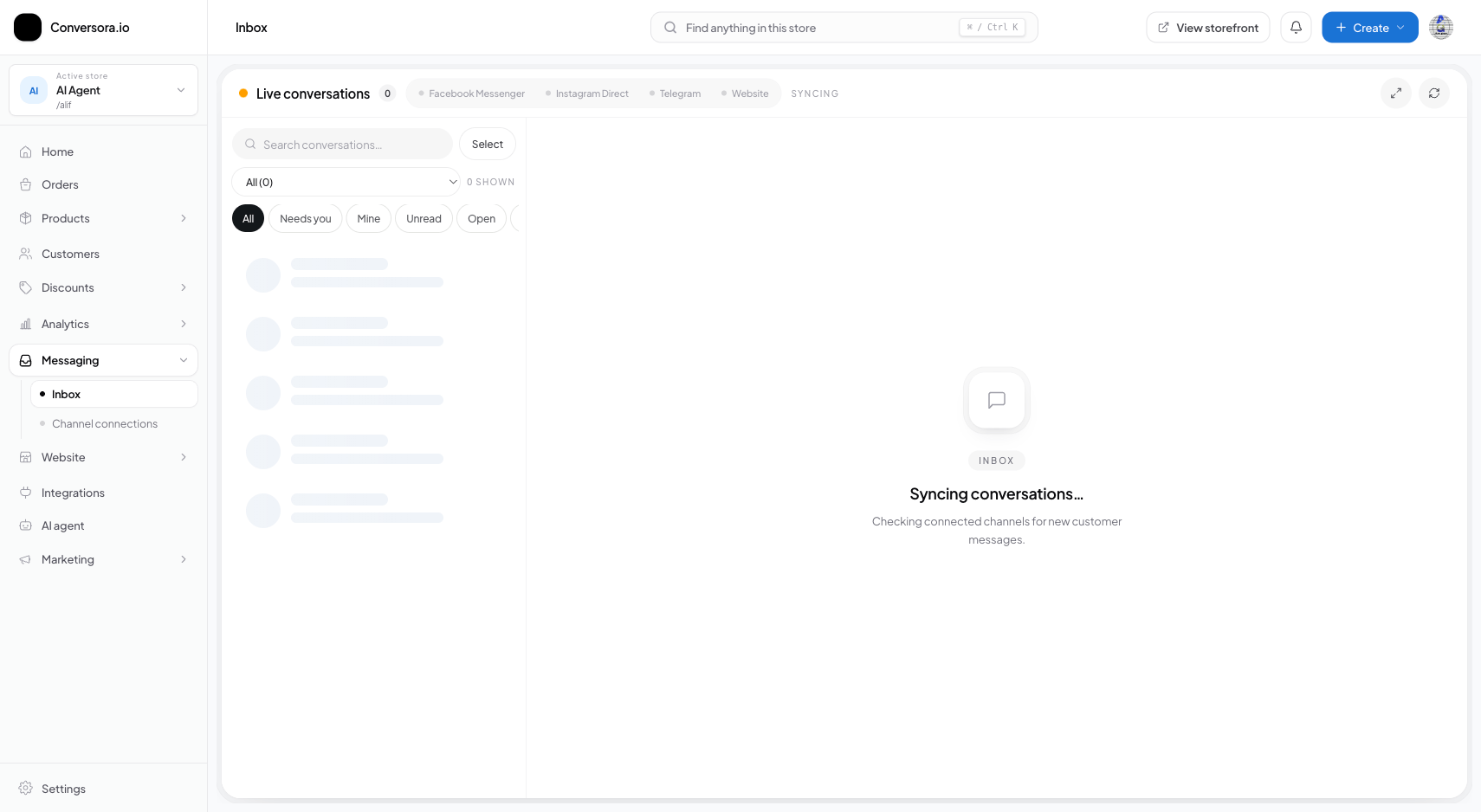
Interface view for this workflow.
1. Account Prerequisites & Meta Settings
Before connecting within Conversora, confirm your Instagram account is properly configured inside Meta's ecosystem.
Meta requires that: 1. The Instagram account is set to 'Business' or 'Creator' mode. 2. The account is connected to an active Facebook Business Page. 3. Inside the Instagram mobile app under Settings > Privacy > Messages, the toggle 'Allow Access to Messages' is switched ON. If this toggle is off, Meta will block third-party platforms from receiving direct messages.
Verify Instagram Account Type
Open Instagram app → Settings → Account Type → Ensure it is set to 'Professional / Business'.
Enable Message API Access
In Instagram app: Settings → Messages and Story Replies → Message Controls → Turn ON 'Allow access to messages'.
2. Connecting via Facebook Login for Business
The connection flow asks you to sign in to Meta and review requested permissions. Approve only the permissions needed for the features you intend to use. Setup time and available messaging features can vary by account and provider review.
Open Connections Workspace
In the Conversora admin console, navigate to Messaging and click on 'Connections'.
Click 'Connect Meta Channels'
Click the blue 'Connect Meta' button. The official Facebook Login dialog opens.
Select Facebook Page & Instagram Account
Check the box next to your business Page and Instagram account, grant all requested permissions, and click 'Done'.
Confirm Live Status
The page updates to display blue 'Connected' status badges with your Page name and Instagram handle.
Practical Business Scenarios
How leading merchants implement this functionality in daily operations:
Troubleshooting & Common Issues
Diagnose and resolve frequent failure points quickly:
Frequently Asked Questions
Does connecting Meta channels log me out of the Instagram mobile app?
No. You can continue using the Instagram app normally on your smartphone. Conversora operates via official background API webhooks without interrupting your mobile session.
Can multiple team members reply to Instagram chats at the same time?
The inbox may be available to multiple team members depending on their roles and current settings. Check the conversation status before replying so you do not send a duplicate response.